
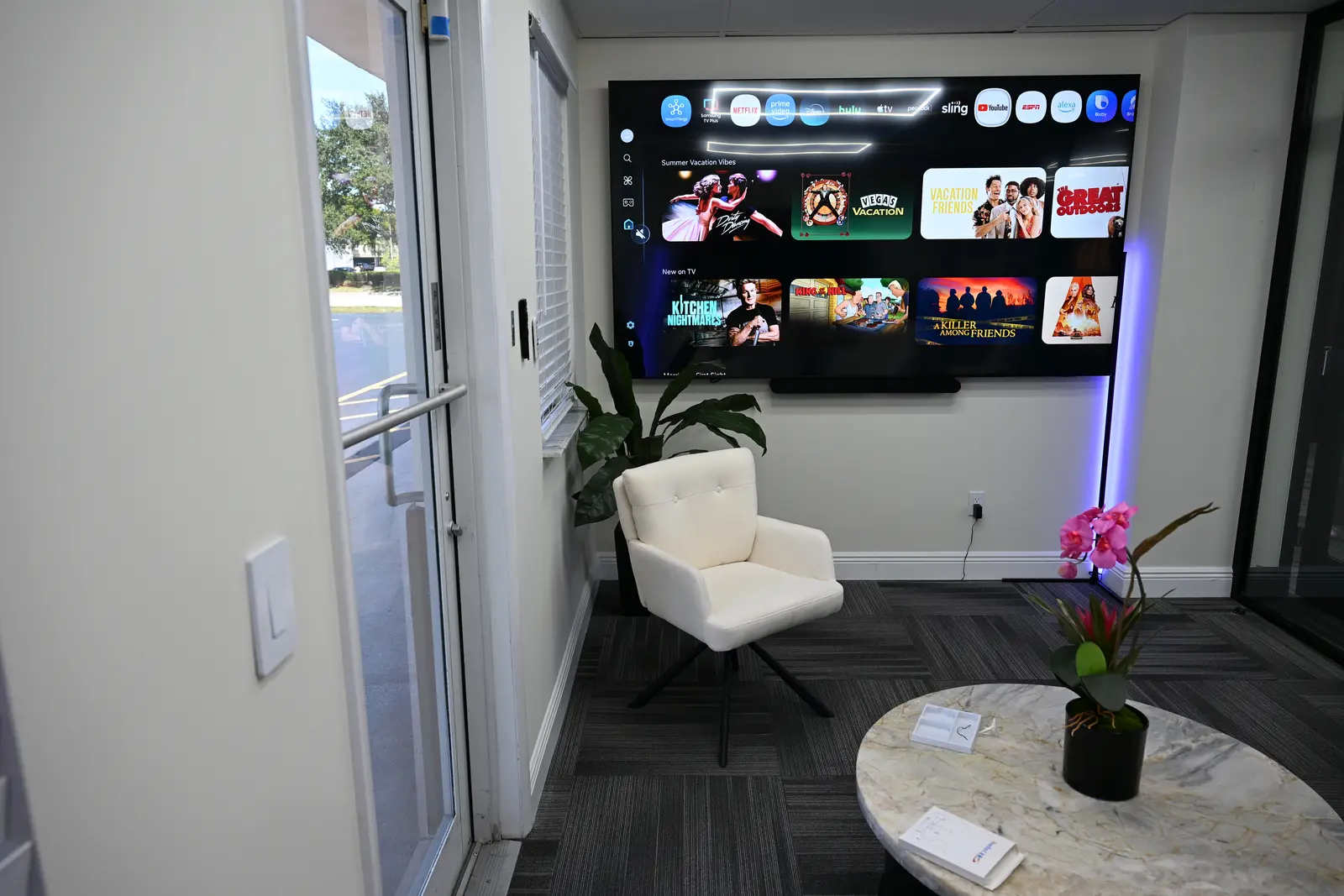
Figuring out how to set up a smart home sounds like a weekend of frustration waiting to happen: too many brands, too many apps, and advice that assumes you already speak the jargon. It does not have to go that way. Do things in the right order and every step stays small, cheap to undo, and genuinely useful on its own. Here is the five-step order we walk every new homeowner through, plus a section on doing it all on a budget.
How to set up a smart home in five steps
The whole process comes down to this: check your Wi-Fi, pick one ecosystem, start with a few high-impact devices, build routines that run on their own, and expand room by room. Each step below explains what to do and the mistakes to skip.
Step 1: Make sure your Wi-Fi can carry the load
Every smart device leans on your home network, so this is where a smart home setup actually begins. Walk your home with your phone and note where the signal drops, because a smart plug in a dead zone is just a plug. If your router is more than four or five years old, replacing it, or adding a mesh system for larger homes, will do more for reliability than any gadget on this list.
The structure described above, rooms first and names your family will remember, is the whole of our Alexa setup and routines service.
Two small habits pay off later: give your Wi-Fi a simple name and password you can type easily during device setup, and write down where your router lives so future devices with hubs or bridges can sit near it.
Step 2: Pick one ecosystem and stay loyal to it
This is the single most important decision in the whole process. Alexa, Google Home, and Apple Home are the three big ecosystems, and every device you buy from now on should carry your chosen logo on the box. Mixing systems is how people end up with five apps and a house that only half listens.
We compare the options in detail in our guide to the best smart home hubs in 2026. The short version: Alexa fits the most homes, Apple Home suits iPhone-only families, and Google is a natural pick if your life already runs on Google apps.
Step 3: Start with two or three high impact devices
Resist the starter-kit shopping spree. The goal of your first purchase is a quick, obvious win that the whole household enjoys, and for almost everyone that means lighting, a smart plug, or a smart thermostat, plus a speaker or display for voice control.
A couple of smart bulbs in the rooms you use most, a plug for the lamp you always forget, and one Echo or equivalent speaker will teach you more in a week than a month of reading reviews. Our roundup of the best smart home devices to start with breaks down exactly which categories earn their keep first.
Step 4: Build your first routines
Devices you control one by one are a remote control, not a smart home. Routines are where the magic shows up. Start with three that pay off immediately:
- A morning routine that raises the lights gently and reads the weather while the coffee plug switches on.
- A goodnight phrase that turns off every light and lamp in the house from bed.
- An away adjustment that eases the thermostat back when nobody is home, which matters in the Florida cooling season.
Build them in your ecosystem's app, say them out loud for a week, and adjust. Once these three feel natural you will invent the next ten yourself.
Step 5: Expand room by room, not gadget by gadget
When you are ready to grow, finish one room before starting the next. Complete coverage in the living room, lights, lamp, and a speaker that hears you, feels dramatically better than one lonely device in every room. Room by room is also how you learn what you actually use, so the next room's shopping list gets shorter and smarter.
How to build a smart home on a budget
You can get a real smart home working for less than the cost of a nice dinner out, if you spend in the right order. Smart plugs are the cheapest entry point and make anything with a switch controllable. Smart bulbs come next, a few dollars more but with dimming and scenes. A smart speaker ties them together with voice. That trio, bought during one of the frequent sales, regularly lands under a hundred dollars.
Save the bigger tickets, a smart thermostat and installed smart switches, for when you know you will stay in the ecosystem. They deliver the deepest daily value, but they are the items worth buying once and buying right. Compatible devices can help manage energy use. Results vary by home, equipment, rates, settings, and behavior; no savings are guaranteed.
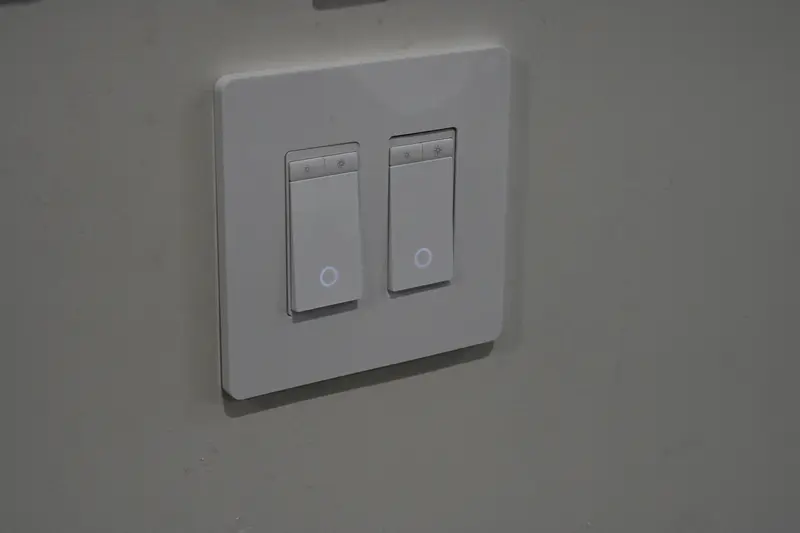
How to make your home a smart home without the headaches
Everything above is safely in do-it-yourself territory. The moment the plan involves wall switches, wiring, or whole-home coverage across a dozen rooms, bringing in a professional stops being a luxury and starts being the cheaper path, because rework and troubleshooting are where budgets actually die.
That is the gap Infinity Smart Living fills. You get a free virtual consultation and a free room-by-room smart-home concept that maps devices and routines onto your actual home, built around Amazon Alexa. Like the room-by-room concept; get your free smart-home concept for common starting points, or see how it works in Coral Springs. Either way the concept is yours to keep.
Related guides
- The Best Smart Home Hubs in 2026 (And How to Pick One)
- The Best Smart Home Devices to Start With in 2026
- Home Automation Services: What's Actually Worth Automating First
Get a free room-by-room smart-home concept
Tell us your goals and receive an illustrative technology concept with candidate products and Alexa routine ideas. No purchase is required, and the concept is yours to keep.
Request my free smart-home concept Call (754) 345-4871Prefer to start on your own? Get the free Alexa Room and Routine Starter Guide.