
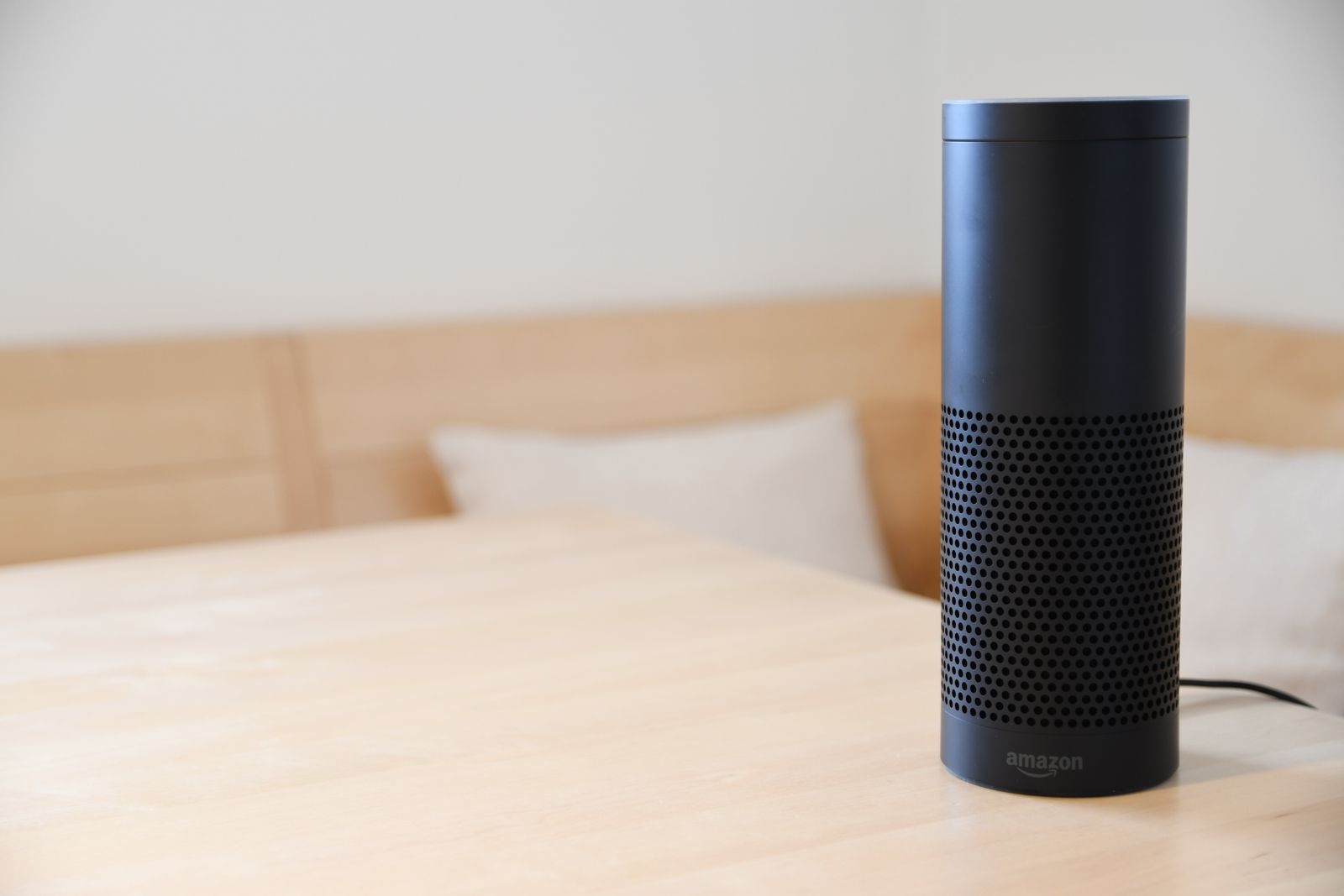
Search for the best smart home hubs and you will find spec sheets, protocol names, and a lot of strong opinions. Underneath the noise the question is simple: which device should sit at the center of your home and make everything else feel like one system? This guide explains what a hub actually does, why Matter and Thread support is the deciding factor in 2026, and how the five big options compare, so you can pick one with confidence and move on to the fun part.
What is a smart home hub, and do you need one?
A smart home hub is the coordinator of your system. It connects your lights, plugs, thermostat, and speakers to one another and to a single app or voice assistant, so the pieces behave like one home instead of a drawer full of gadgets. When you say one phrase and three things happen at once, the hub is what makes that possible.
Could you skip it and run everything through separate Wi-Fi apps? You could, but it gets messy fast: five apps, five logins, and automations that cannot see one another. A dedicated home automation hub fixes that. It also runs routines locally, so your lights still respond when the internet hiccups, and it speaks low-power radio languages like Zigbee and Thread that keep dozens of small devices off your Wi-Fi.
Matter and Thread: the deciding factor in 2026
If you last compared hubs a few years ago, set most of that research aside, because Matter changed the rules. Matter is a shared language that lets devices from different brands work with any major system. Thread is the fast, low-power radio network many of those devices use to talk. Together they mean the bulb or plug you buy today is far less likely to lock you into one company tomorrow.
Whichever hub you land on, the part that decides whether the house gets used is the setup around it, covered in Alexa setup and routines. We plan it the same way in Coconut Creek as anywhere else.
If you would rather have the whole system planned than assembled piece by piece, that is what our smart home installation service covers. Any regulated work requires a separate contractor that you select and hire directly. Homes booking smart home installation in Parkland start from the same free room-by-room smart-home concept.
In 2026 every major hub supports Matter, but they do not support it equally well. What separates them now is how smoothly they add Matter devices, whether they include a Thread border router out of the box, and how pleasant the app and voice control feel day to day. That is the lens for the comparison below.
The best smart home hubs of 2026, compared
| Hub | Best for | Voice assistant | Thread built in | Standout strength |
|---|---|---|---|---|
| Amazon Echo | Most homes | Alexa | Yes, on newer Echo models | Widest device support and the most natural voice routines |
| Google Nest Hub | Google households | Google Assistant | Yes | Excellent smart displays and presence sensing |
| Apple Home | iPhone families | Siri | Yes, via HomePod or Apple TV 4K | Privacy and fast local control |
| Samsung SmartThings | Power users | Works with Alexa and Google | Yes, on Hub v3 and Station | Deepest automations of the big brands |
| Home Assistant | Enthusiasts | Works with all three | Yes, with an add-on radio | Total local control, steepest learning curve |
Amazon Echo: the best all rounder
Alexa works with many compatible devices, and Echo speakers double as your hub, your voice control, and your intercom. Routines are easy to build, the app has matured nicely, and newer Echo models include a Thread border router so Matter devices join in seconds. For most homes it is the easiest system to live with day to day, which is why we design our installations around it.
Google Nest Hub: best for Google households
If your family already lives in Gmail, Google Photos, and Android, the Nest Hub feels native from the first minute. Its smart displays are the nicest way to glance at your home at the kitchen counter, and its assistant has become notably more conversational. Device support is broad, though routines are a little less flexible than Alexa's.
Apple Home: best for iPhone families
Apple Home earns its place on privacy and polish. Automations run locally through a HomePod or Apple TV 4K, the Home app is clean, and everything feels instant. The trade-offs are a smaller certified device list and the fact that guests without iPhones are second-class citizens in your own living room.
Samsung SmartThings: best for power users
SmartThings offers the most powerful automation engine of the mainstream options, with conditions and triggers the others cannot match. It is a great fit if you enjoy building clever routines, and it plays nicely with both Alexa and Google for voice. The app has more depth, which also means more to learn.
Home Assistant: best for enthusiasts
Home Assistant is free, open source, and runs entirely in your home on a small dedicated device. Nothing matches its flexibility or its privacy story, and it can absorb nearly any device ever made. It is also a hobby, not an appliance. If you do not want to maintain a small server, choose one of the options above.
How to pick the right hub for your home
- Match your phone and habits. iPhone-only household? Apple Home deserves a look. Everyone else is usually happiest with Alexa.
- Decide how much you want to tinker. Echo and Nest are appliances; SmartThings and Home Assistant are projects.
- Check the Thread box. Whichever you choose, make sure the model you buy includes a Thread border router so future Matter devices join easily.
- Count your existing devices. If you already own smart gear, pick the hub that supports all of it today rather than promising support later.
Smart home hub FAQs
What is the best smart home system overall?
For most homes, an Alexa-based system built around Echo devices. It supports the widest range of devices, the voice control is the most natural, and family members and guests can use it without a tutorial. The best system for you, though, is the one that matches your phone, your devices, and your patience for tinkering.
What is Matter in a smart home?
Matter is an industry standard, backed by Amazon, Google, Apple, and Samsung, that gives smart devices one shared language. A Matter-certified bulb works with any Matter-certified hub, which means you are no longer betting your whole house on a single brand. We break down the whole standard in plain English in our guide to what Matter is.
Do I still need a home automation hub if my devices use Wi-Fi?
You can start without one, but once you pass a handful of devices a hub is what keeps things fast and sane: one app, routines that run locally, and low-power devices that do not crowd your Wi-Fi. Every option in this guide plays that role.
Let us make the hub decision for you
Choosing the hub is the easy part. Placing the right devices in the right rooms, and making them work as one system, is where homes usually get stuck. Infinity Smart Living offers a free consultation and a free room-by-room smart-home concept built around Amazon Alexa, and you can get your free room-by-room smart-home concept to see what a finished system looks like for your home. We serve homeowners across Broward County, Boca Raton, Delray Beach, and Boynton Beach.
Related guides
- How to Set Up a Smart Home: A Step-by-Step Guide for Beginners
- The Best Smart Home Devices to Start With in 2026
- What Is Smart Home Automation and How Does It Work?
Get a free room-by-room smart-home concept
Tell us your goals and receive an illustrative technology concept with candidate products and Alexa routine ideas. No purchase is required, and the concept is yours to keep.
Request my free smart-home concept Call (754) 345-4871Prefer to start on your own? Get the free Alexa Room and Routine Starter Guide.